BlackHole
BlackHole is a virtual audio driver for routing sound between macOS applications. It is essentially the audio cable you need when no physical cable could possibly help.
Audio & Midi Utilities - Audio Cable
Product information
Overview
BlackHole is a virtual audio driver for macOS that does one extremely useful trick. It lets one application send audio directly into another without introducing additional latency. No physical cable, no mystery adapter hanging from the side of your Mac, just audio disappearing into a virtual device and resurfacing wherever you route it. That makes BlackHole a favorite for recording system audio, feeding applications into a DAW, streaming and generally convincing software to exchange audio when nobody provided a convenient button for it.
A Cable That Does Not Exist
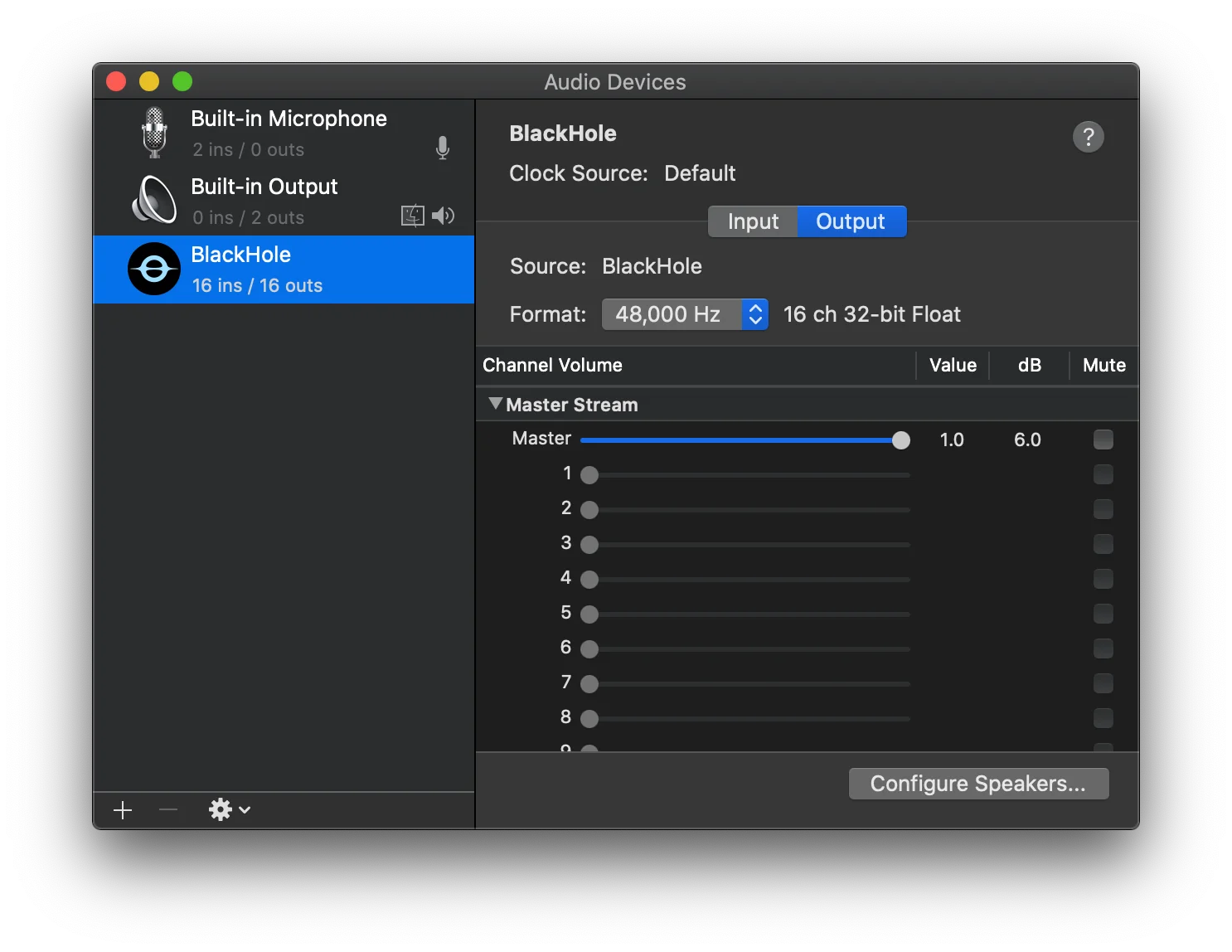
Once installed, BlackHole appears as a Core Audio device that applications can use like regular audio hardware. Set an application's output to BlackHole, select BlackHole as the input somewhere else and congratulations, you have plugged a cable into another cable that exists entirely inside your computer. Combine it with macOS Aggregate Devices or Multi-Output Devices and things get considerably more interesting. Audio can reach BlackHole, your speakers, recording software and other destinations at the same time without buying another box for your desk.
How Many Channels
BlackHole comes in several configurations, starting with a sensible 2-channel version and continuing through 16 and 64 channels. Then there are 128 and 256-channel builds, presumably for people whose virtual patch bay has developed its own weather system. Most users will never need anything close to that, but the range makes BlackHole useful far beyond simply recording desktop audio. Large production, broadcast and experimental setups can route substantial numbers of channels between applications while staying entirely inside Core Audio.
Send Everything Everywhere
BlackHole tends to become useful precisely when an application refuses to send audio where you actually need it. Record browser audio in a DAW, feed a production app into streaming software, capture system sound or build a monitoring setup involving several applications at once. It is infrastructure rather than an instrument, which means the best compliment you can probably give BlackHole is forgetting that it is there. Configure the routing correctly and the audio simply goes where it should. Configure it incorrectly and enjoy five minutes of wondering why your Mac has become completely silent.
Technical specifications
- Software type
- Standalone
- Sample rates
- 8 kHz | 16 kHz | 44.1 kHz | 48 kHz | 88.2 kHz | 96 kHz | 176.4 kHz | 192 kHz | 352.8 kHz | 384 kHz | 705.6 kHz | 768 kHz
- Bit depths
- 32-bit
Minimum
- Notes
- Compatible with macOS 10.10 Yosemite or later. Intel and Apple Silicon supported.