
Ableton Live
A DAW born with the stage in mind, where clips can become songs, songs can become performances and stretching audio far beyond good judgment somehow counts as sound design.
DAW - Full
Product information
Overview
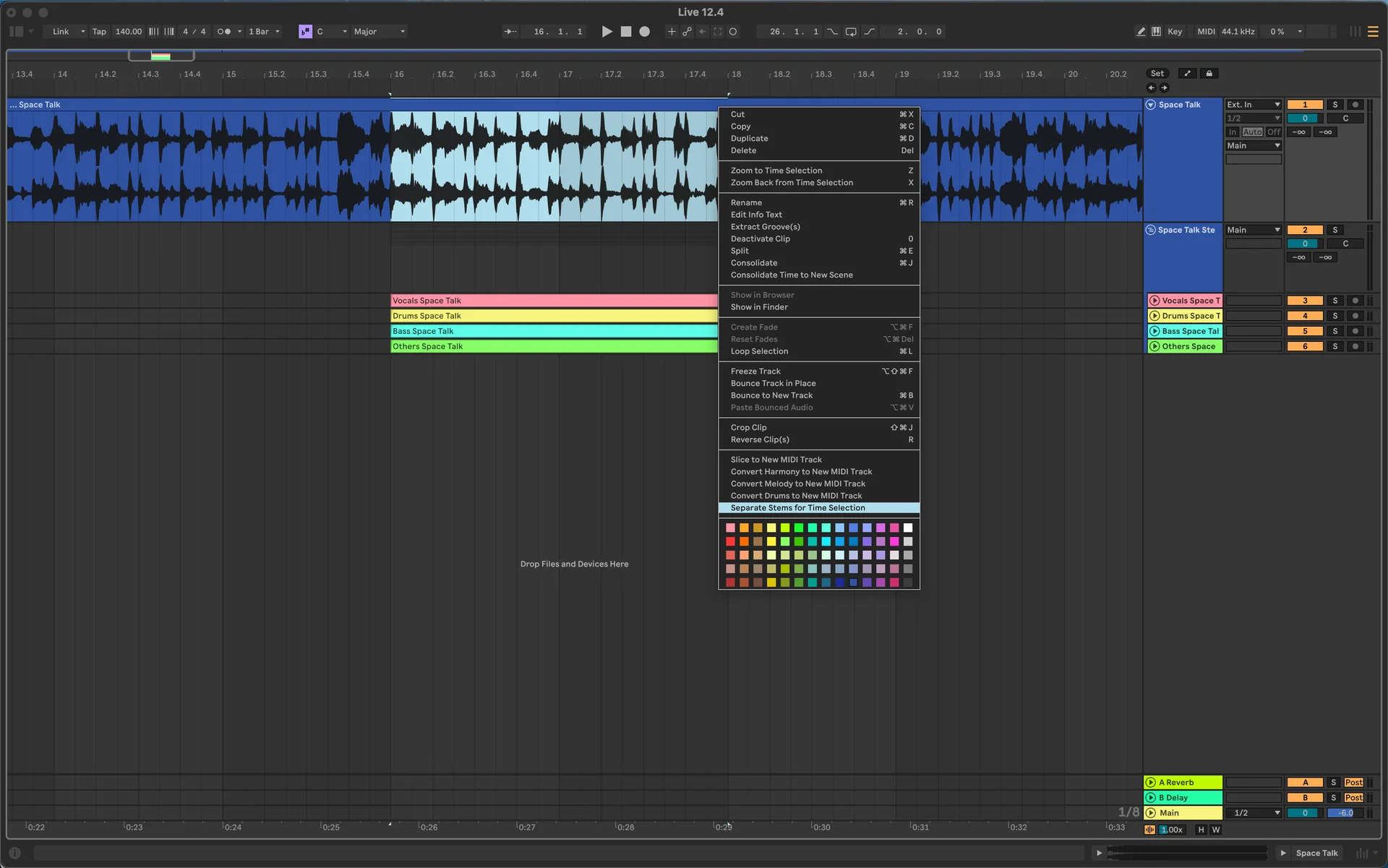
Ableton Live is a DAW that never quite accepted that music had to be assembled from left to right. Born from the electronic performance world around the turn of the millennium, it combines a conventional Arrangement View with the nonlinear Session View, where clips can be launched, combined and rearranged while the music keeps running. That dual personality turned Live into both a production studio and a playable instrument. You can write a track meticulously on a timeline, improvise one from loops in real time or spend four hours doing both and insist you are still only sketching.
Why It Is Called Live
Ableton's roots are deeply connected to performance. Co-founder Gerhard Behles and Robert Henke were making electronic music together as Monolake in the 1990s, when taking computer music onstage could still involve racks of equipment and considerable optimism. Live emerged from that world with performance built into its identity rather than added as an afterthought. Session View lets clips and scenes be triggered in whatever order the moment demands, whether that means improvising a set, jamming on an unfinished track or refusing to decide what the chorus should be until absolutely necessary.
The Grid That Changed Things
Session View replaces the fixed song timeline with a grid of clips that can be launched independently or together as scenes. Ideas can exist before anyone decides exactly where they belong in a finished arrangement, making experimentation part of the composition process instead of something that happens before it. When the improvisation finally becomes a song, performances from Session View can be captured into Arrangement View and edited on a traditional timeline. The jam and the finished track do not have to be separate universes.
Warp Everything
Live's audio warping became another defining part of its personality. Loops, recordings and entire pieces of audio can follow the project's tempo, letting material from different sources play together without first asking everyone involved to agree on a BPM. Originally invaluable for performance and beat matching, Warp also became a creative tool in its own right. Stretch something gently and it fits the track. Stretch it irresponsibly and congratulations, you are now doing sound design.
Then They Put Max Inside It
Max for Live takes an already flexible DAW and opens a trapdoor underneath it. Developed with Cycling '74, it lets users build custom instruments, audio effects, MIDI tools and devices that can interact with elements of a Live Set through the Live API. This has produced an enormous ecosystem ranging from tiny utilities to sequencers, generative devices and wonderfully unnecessary experiments. Eventually every Ableton user encounters a problem that could be solved normally and thinks, perhaps somebody has made a Max device for this.
Technical specifications
- Software type
- Standalone
- Plugin formats
- VST3 | Audio Unit | VST2 | Audio Unit v3
- Sample rates
- 44.1 kHz | 48 kHz | 88.2 kHz | 96 kHz | 176.4 kHz | 192 kHz
- Bit depths
- 16-bit | 24-bit | 32-bit
Minimum
- CPU
- Intel Core i5 (11th Gen) or AMD Ryzen 5 5000 series
- RAM
- 8 GB
- Storage
- 6 GB
- Notes
- Windows 10 (22H2) or Windows 11. 64-bit only.